

The messaging platform for
direct customer contact
Message is the platform for organizations that want to be accessible via WhatsApp, SMS, webchat, and social messaging. Manage incoming conversations in a single shared inbox, send proactive messages, and automate customer communication by linking messaging to your internal systems.
Trusted by 500+ organizations






















Customers expect a fast response. On every channel.
Messages arrive in different places
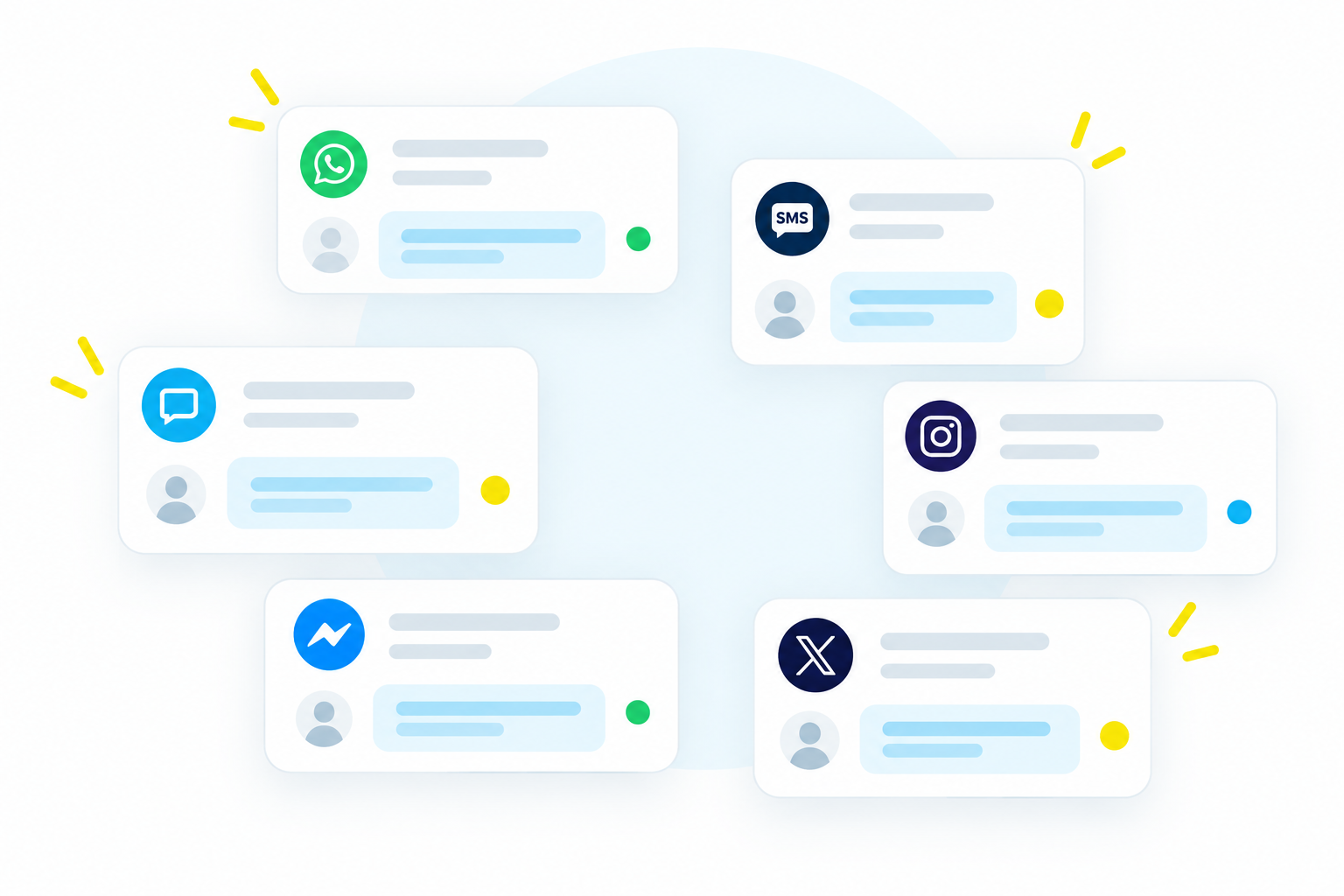
Customers choose which channel they use to contact you. WhatsApp, webchat, social media. Without a central place to bring it all together, your work becomes fragmented and you lose the overview.
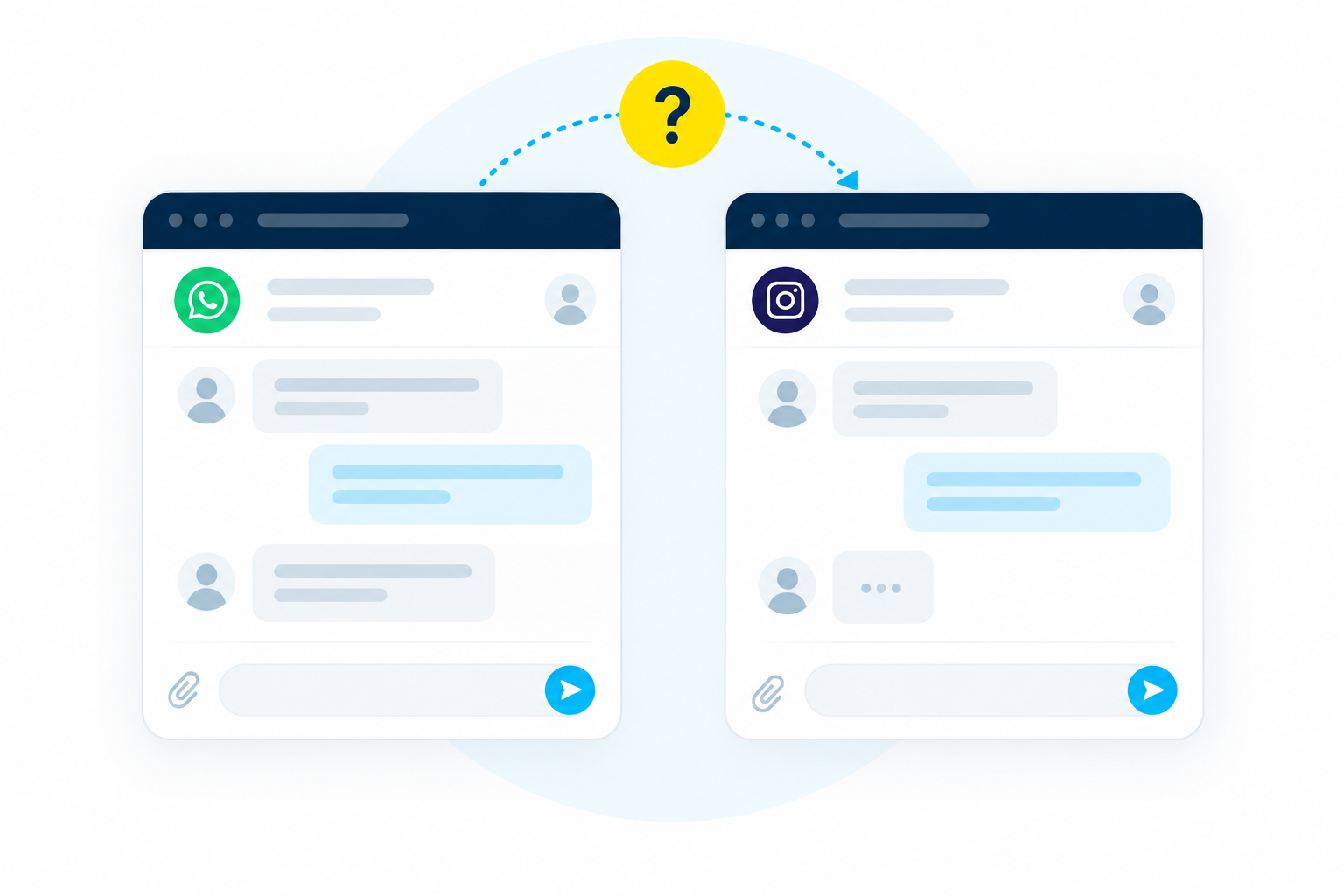
Customers have to repeat their story every time
A colleague spoke to a customer yesterday, but you don’t know what was agreed. Without insight into previous conversations, you cannot help customers effectively.
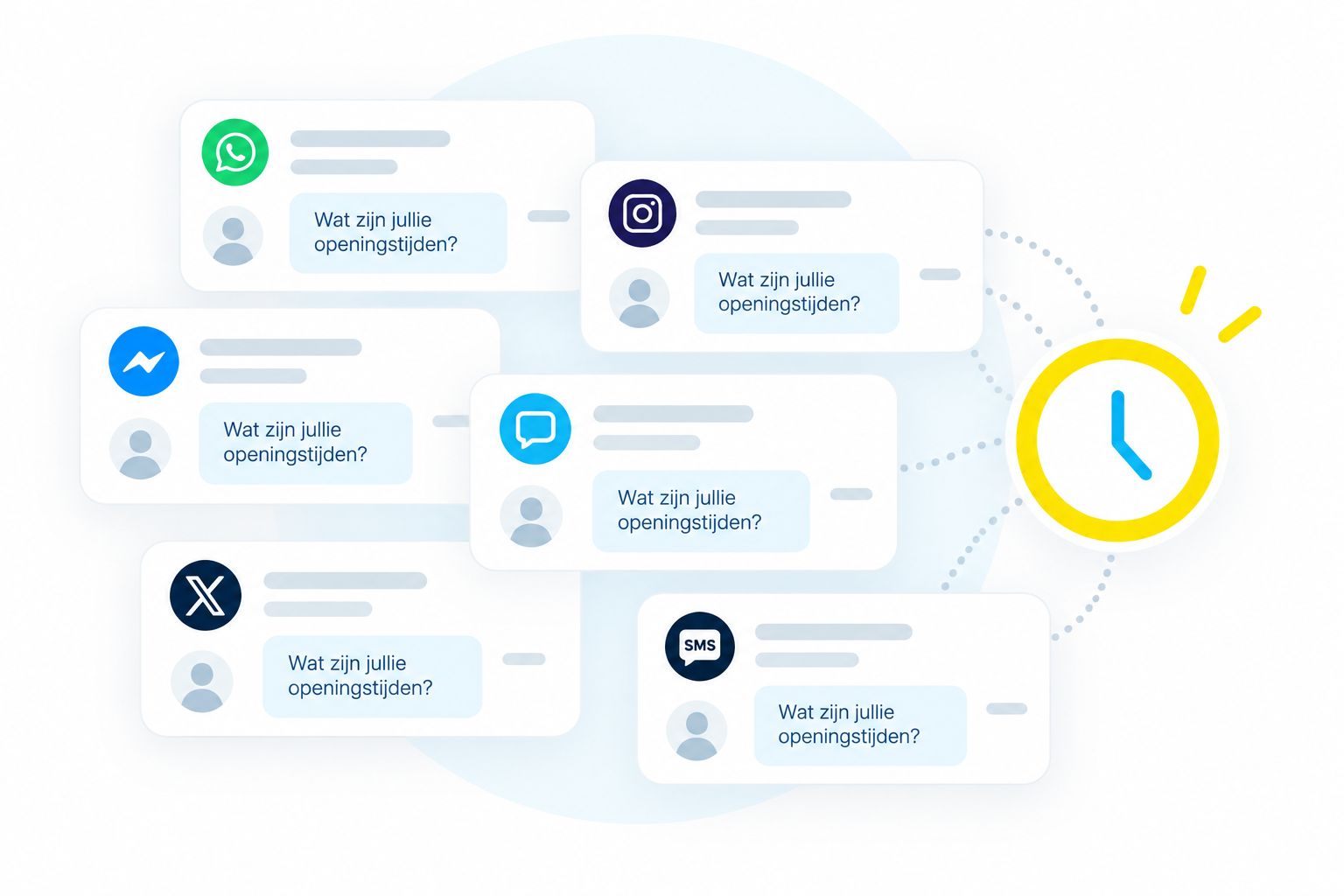
Answering the same questions takes a lot of time
What are the opening hours? When can I expect a response? Many questions recur daily. Time you would rather spend on more complex customer inquiries.
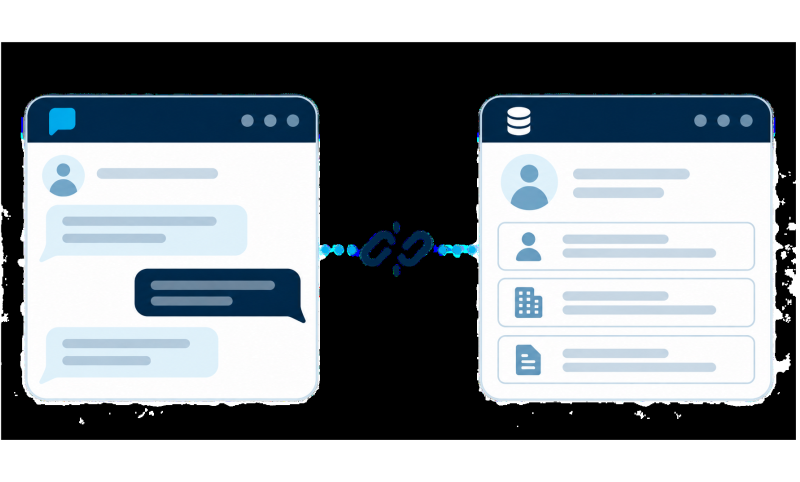
Customer data and customer contact are disconnected
For effective customer contact, you need context: who is this, what has happened before? If messaging is separate from your systems, that information is missing exactly when it matters most.
One platform for all your customer conversations via messaging
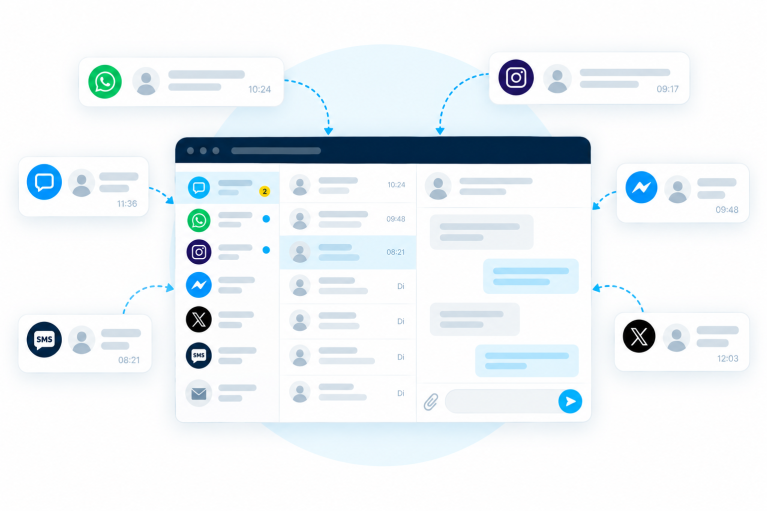
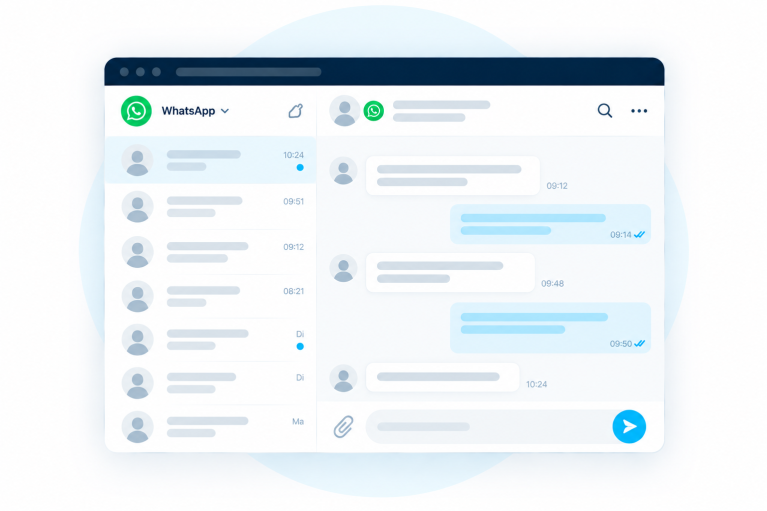
All conversations clearly organized together
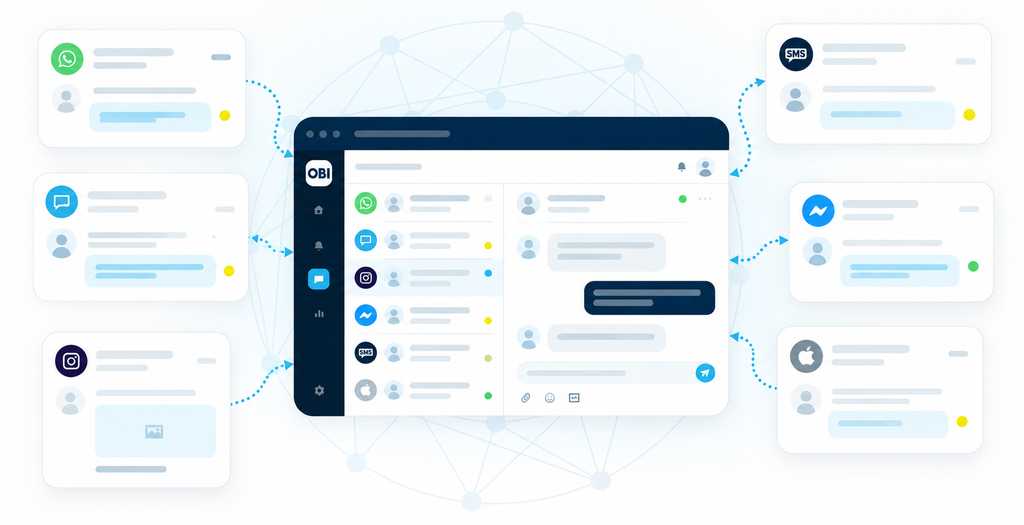
Whether a customer sends a message via WhatsApp, SMS, webchat, or social media: in Message, all conversations come together in one place.
You work with multiple colleagues in the same environment and can automatically assign messages to the right employee. This allows you to maintain an overview, even during busy periods.
Always know what was previously discussed
In Message, you can find a customer’s conversation history, including internal notes and labels. This makes it easier for colleagues to take over a conversation and know what has been discussed before.
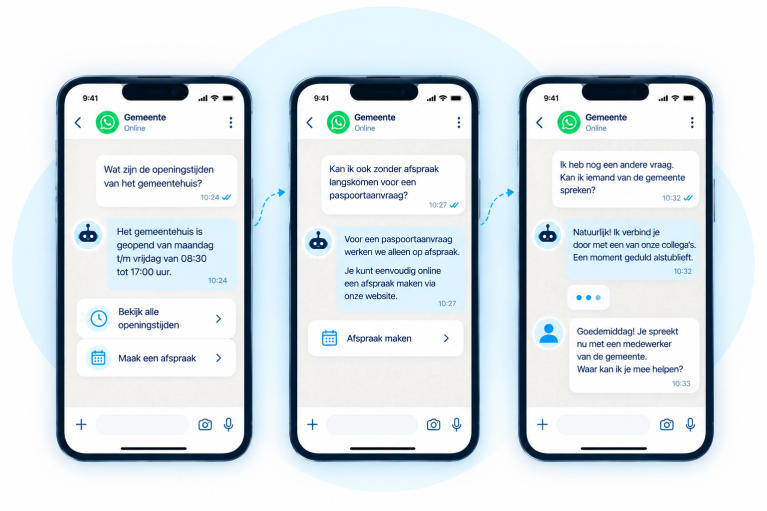
Automate recurring questions
With a chatbot, you can answer frequently asked questions automatically, even outside of opening hours and in multiple languages. If a customer still needs personal assistance, the chatbot hands over the conversation seamlessly.
Curious how the inbox works?
Request a demoLink messaging to your own processes
Connect Message to your CRM, recruitment software, or another internal system via the REST API. This ensures your team always has the right context for every conversation, and allows you to send automated messages at the right time based on that same data.
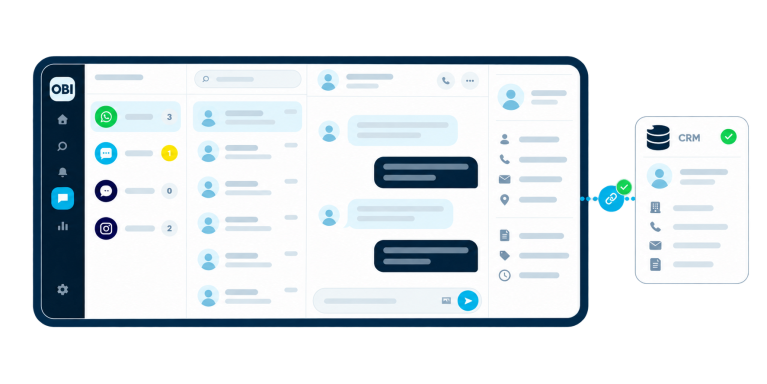
Recognize every customer immediately
As soon as a conversation comes in, Message recognizes the number and immediately displays the contact’s profile. With one click, you can open the customer file in your own system.
Your employees see who is contacting them, what has happened previously, and have all relevant information directly at hand.
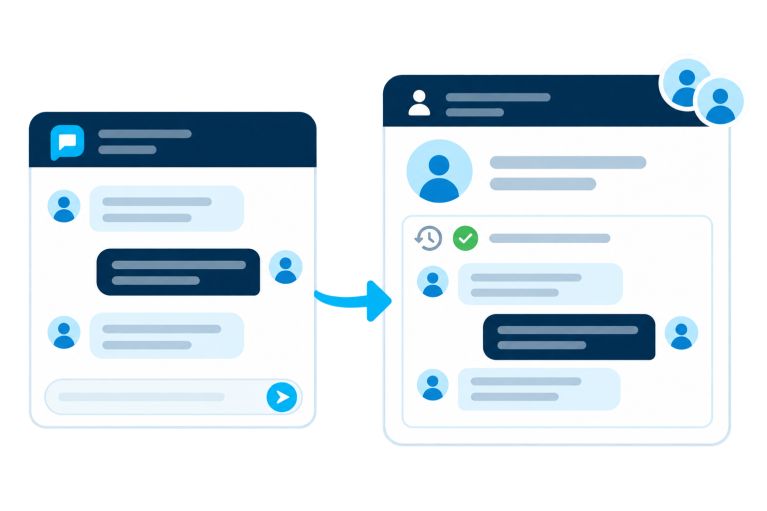
Chat history always at hand
A messaging conversation can be logged back to the customer file. This is useful for future contact: colleagues immediately see the full conversation history, even if they take over the conversation.
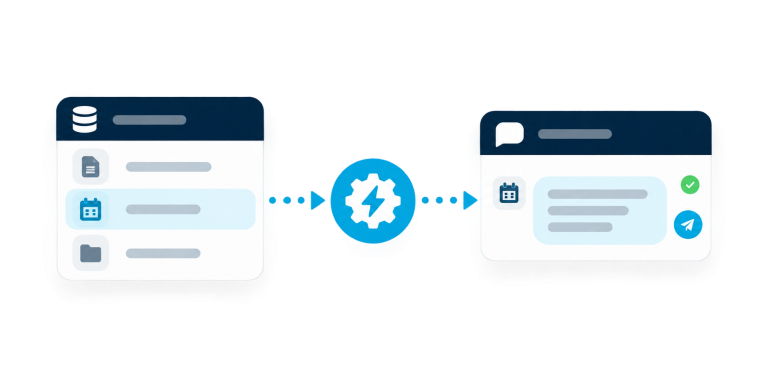
Automate based on your own data
A confirmation after a request, a reminder for an appointment, an update on an ongoing case. Message sends it automatically at the right time, based on triggers from your own systems. Without the need for an employee to intervene.
Curious about the possibilities for your organization?
Request a demoAccessible via the channels your customers use
One person prefers to send a WhatsApp message, while another asks a question via Instagram or the webchat on your website. With Message, you don’t have to use a separate system for every channel. Message supports, among others:




Don’t just react, take the initiative yourself
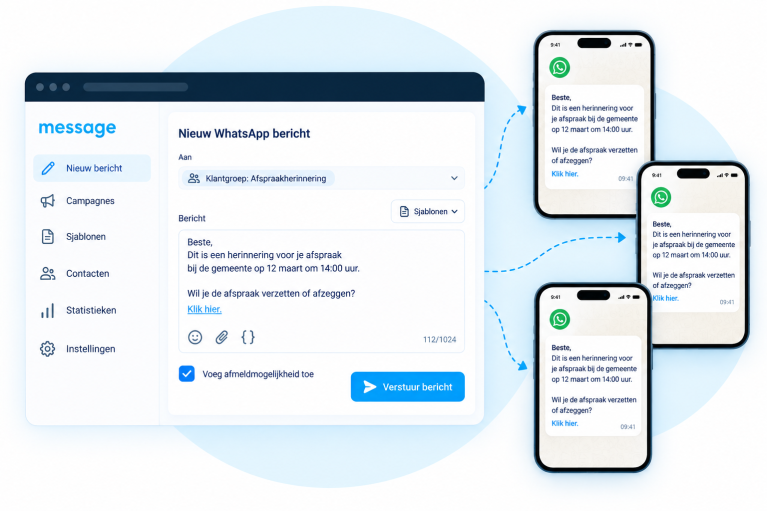
With Message, you can also proactively send messages via WhatsApp and SMS. To a large group at once or one-on-one, based on the information in your systems.
Use approved templates, add interactive buttons, and manage multiple numbers from a single environment. This makes Message a full-fledged channel for proactive customer contact.

“De chatbot is een waardevolle aanvulling. Hij helpt ons bij het beantwoorden van veelgestelde vragen en het doorsturen van complexere vragen naar de juiste medewerker. Message ons geholpen om onze klanten beter van dienst te zijn en onze bedrijfsvoering te stroomlijnen.”

“Message heeft de manier waarop we de klantenservice en ticketverkoop voor evenementen beheren enorm verbeterd. We zien veel potentieel in deze samenwerking en kijken ernaar uit om nieuwe mogelijkheden aan onze klanten aan te bieden.”

“Bij Whoppah willen we gebruikers verrassen op manieren die ze niet verwachten van een marktplaats. Met Message hebben we ons gebruik van WhatsApp en sms opgeschaald en de nieuwste ontwikkelingen in WhatsApp Business naadloos geïntegreerd in onze automatisering. Of het nu gaat om het automatiseren van support use cases of het stimuleren van conversies via kanalen die buiten de eigen mogelijkheden van ons CRM vallen, dit is voor ons een game-changer geweest.”
Secure and reliable customer contact
Official Meta Business Partner
As an official Meta Business Partner, we meet Meta’s strict admission criteria and are listed in the official Meta Expert Directory.
End-to-end encrypted
The WhatsApp Business API is GDPR-compliant and uses end-to-end encryption. Your customer data remains secure and is stored on European servers.
Permission-based messaging
You only send messages to contacts who have given their permission. This ensures you comply with the GDPR and build trust.
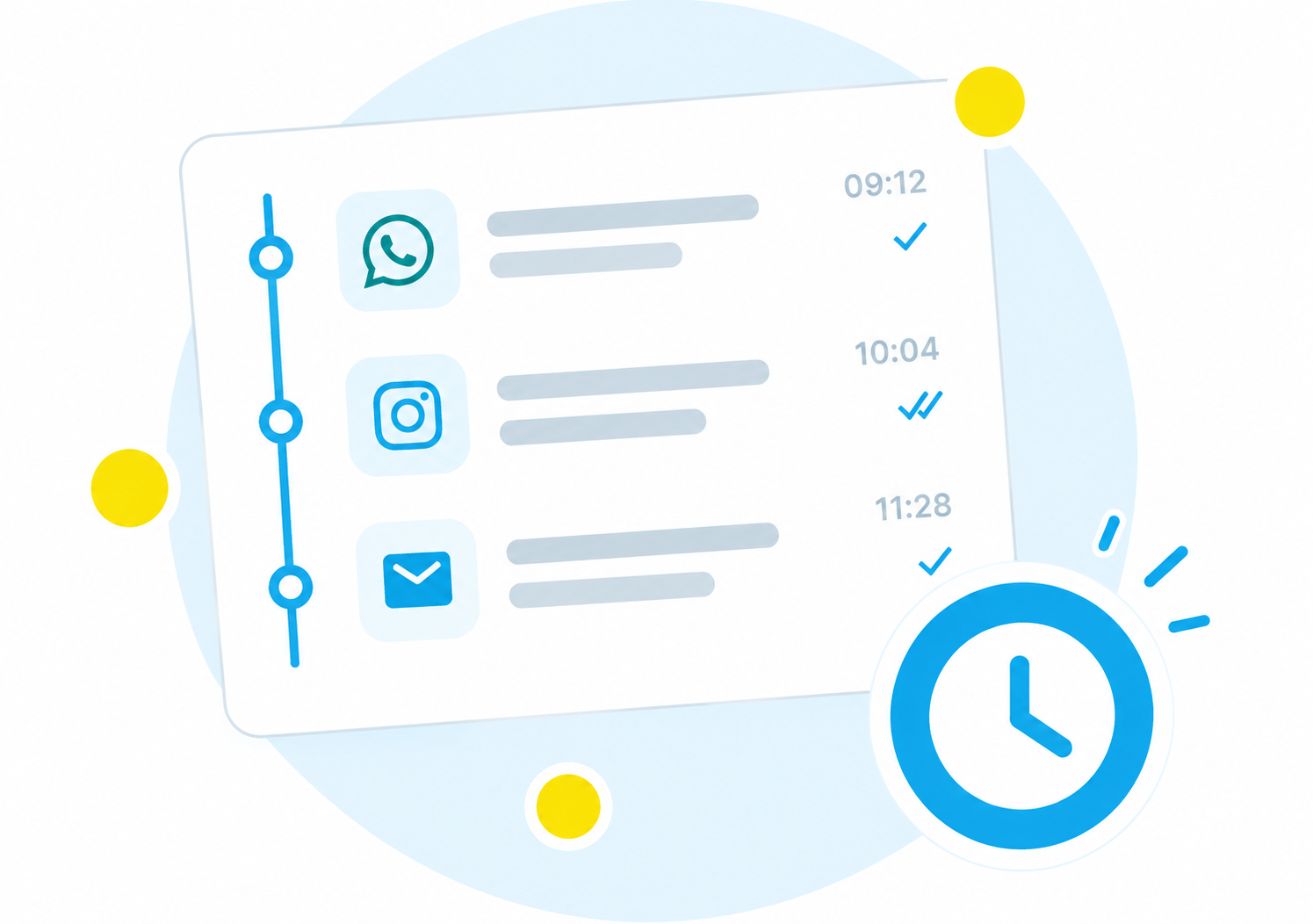
Full audit trail of conversationsfor everyone
Every conversation is recorded with the time, channel, and employee. This gives you constant insight into what has been communicated and allows you to remain accountable.
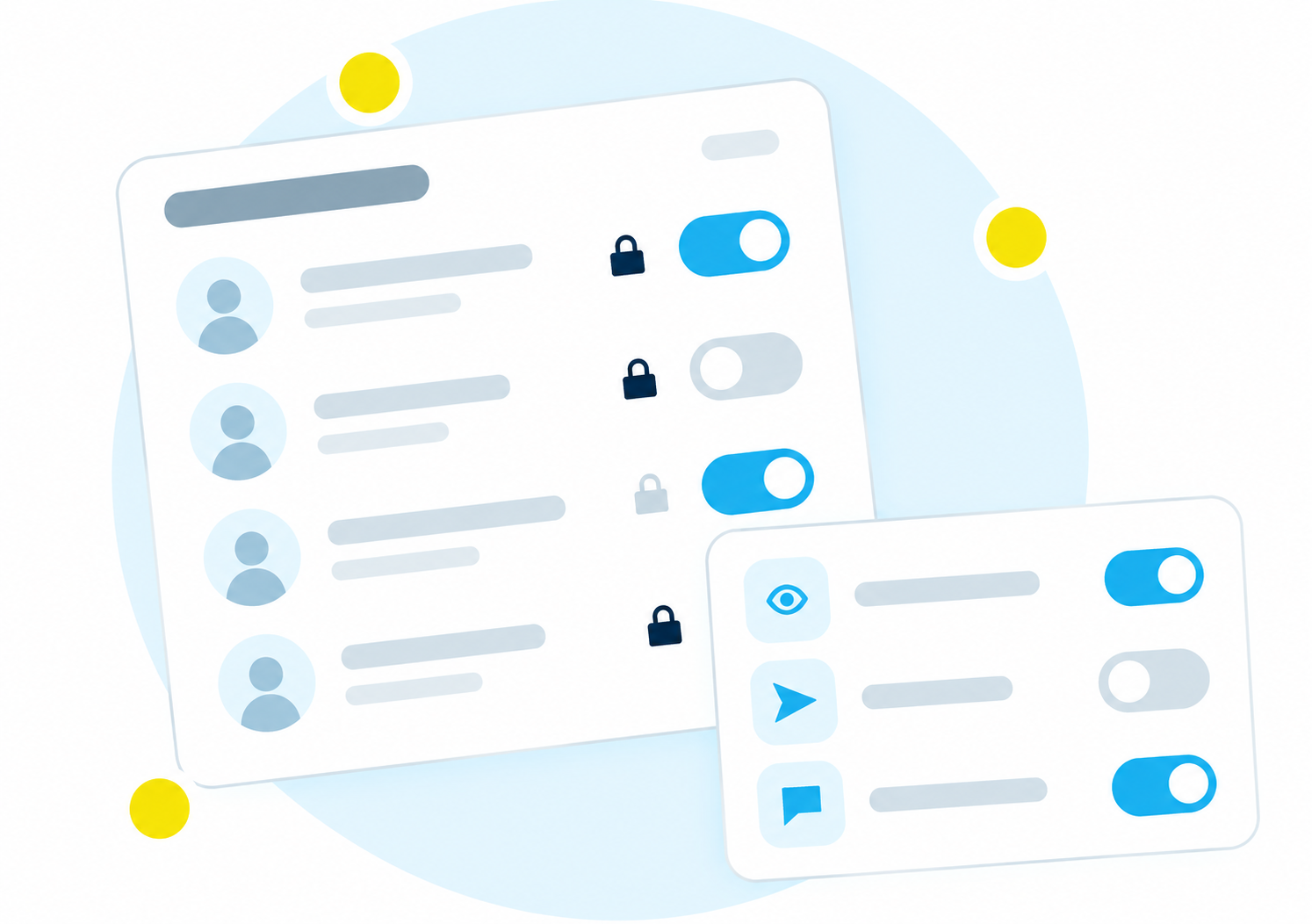
Advanced user roles and permissions
Set roles and permissions per employee and team. This allows you to configure the platform exactly according to your needs and comply with the relevant laws and regulations.
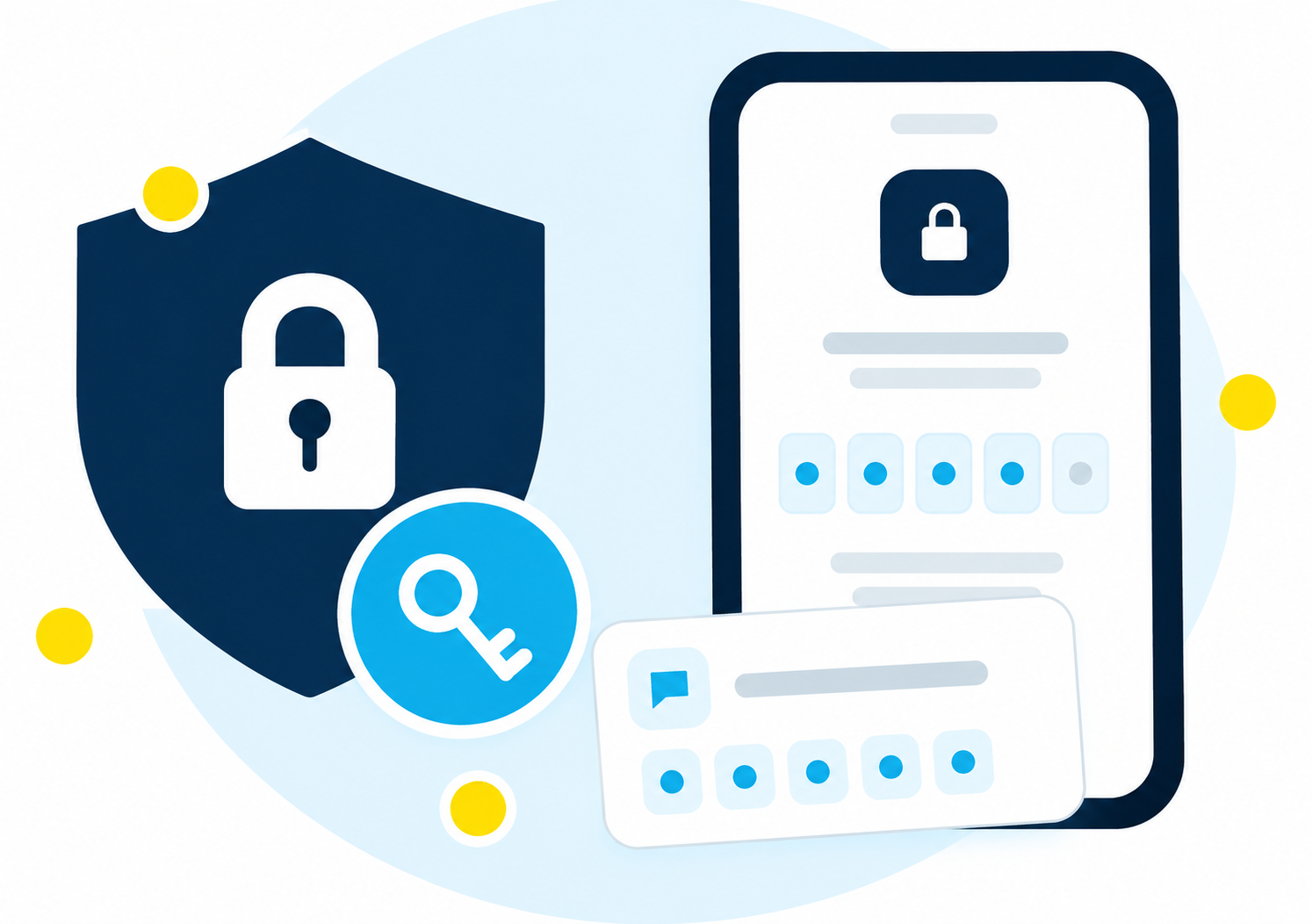
Single sign-on and two-factor authentication
Log in via your own SSO environment, with two-factor authentication or via IP whitelisting. This ensures you meet the security requirements set by your organization.
How other organizations use Message
Improving Customer Service efficiency via WhatsApp at De Telegraaf
Learn how De Telegraaf used Message to streamline customer communication, improve response times, and reduce workload with WhatsApp and chatbot automation.
Livecrowd enhances customer service at scale using WhatsApp
By using Message, Livecrowd was able to manage customer queries more efficiently across multiple channels, leading to increased satisfaction and reduced costs.
Ready to see how it works?
In a short demo, we will show you how Message works.
This is what you can expect from us:
- A no-obligation demo, tailored to your situation and sector.
- Advice that shows what Message can achieve for you.
- Guided by our specialists who understand your situation.
Request a demo
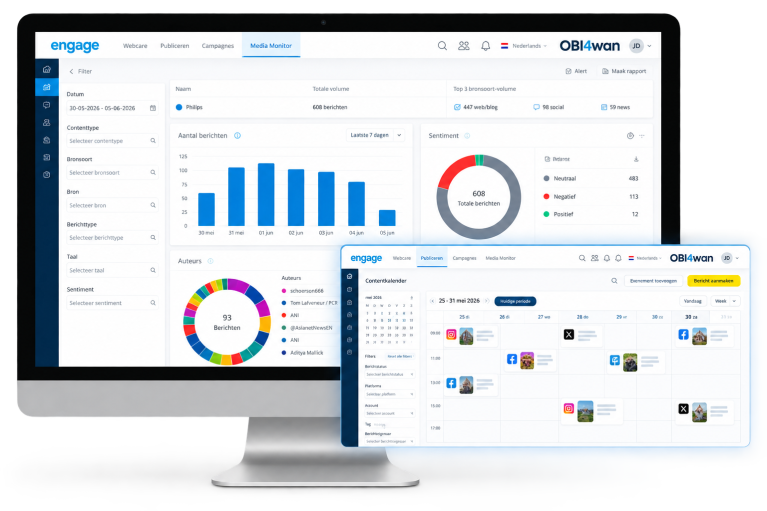
Need more than just messaging? Discover Engage.
With Message, you manage customer conversations via WhatsApp, SMS, webchat, and social messaging.
Would you also like to monitor what is being said about your organization, publish messages on social media, and organize your online customer service from a broader platform? Then Engage is an interesting solution.